Workspace Settings Overview
Last updated: July 12, 2026
Estimated reading time: 3 minutes
Overview
The Workspace Settings page lets administrators manage their Stamina workspace, including organization details, users, credits, inboxes, billing, and security.
Navigate to Settings from the left sidebar to access all workspace management options.
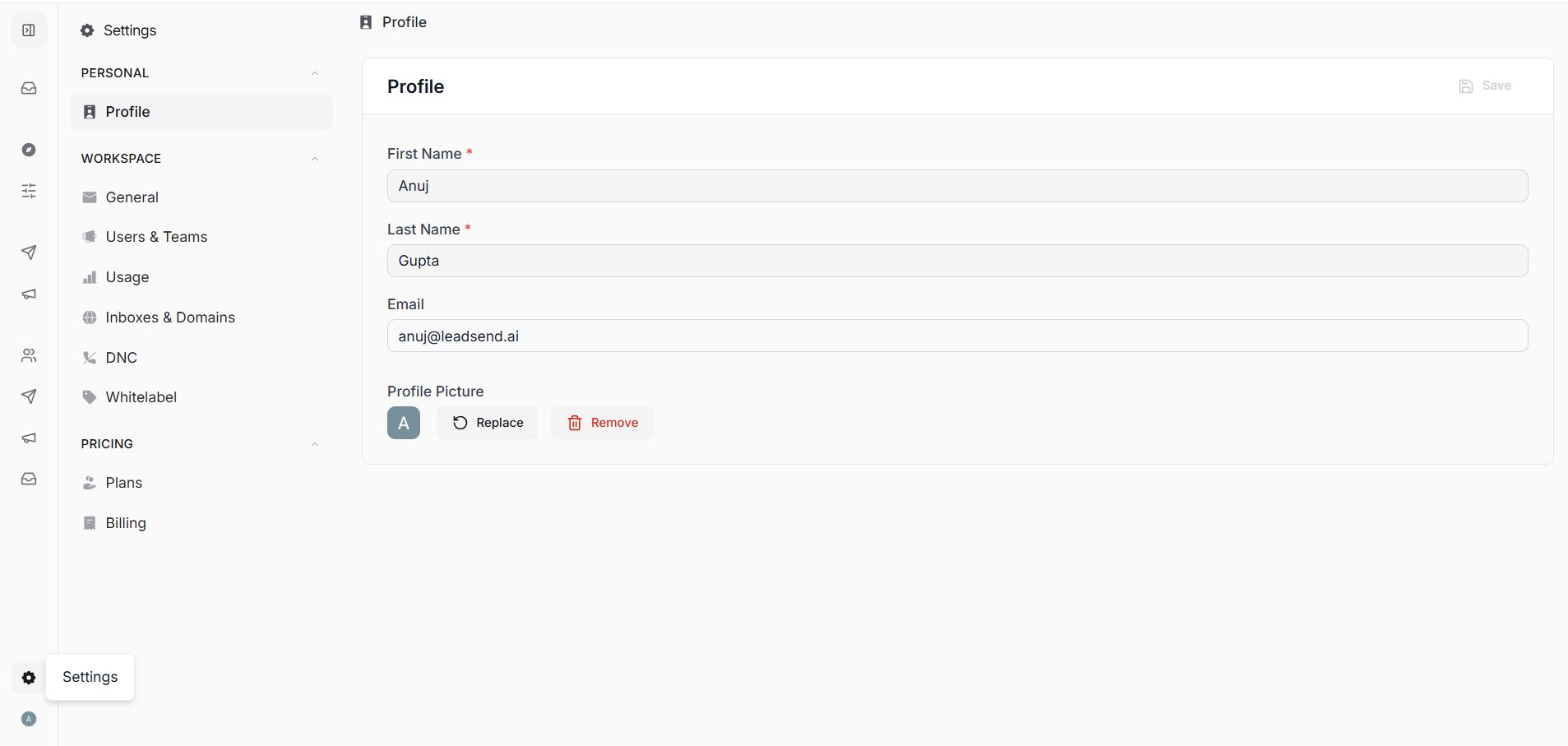
General
The General page contains your basic workspace information.
Here you can:
Update your organization name.
View your workspace currency.
Users & Teams
Manage everyone who has access to your workspace.
From here you can:
Invite new users
Create teams
Create custom roles and permissions
Assign users to teams and roles
Each user only has access to the features permitted by their assigned role.
Usage
Monitor how your workspace credits are being used.
The Usage page shows:
Credits used
Credits remaining
Team usage
Individual user consumption
Credit history
Use this page to track overall workspace activity.
Inboxes & Domains
Manage all connected sending infrastructure.
This section allows you to:
View connected inboxes
Monitor inbox health
Manage warmup status
Connect new inboxes
View and manage domains
This is where administrators maintain the sending infrastructure used by campaigns.
DNC (Do Not Contact)
The DNC page contains your workspace-wide suppression list.
Contacts or domains added here will no longer receive emails from your workspace.
Use this to ensure compliance and prevent unwanted outreach.
White Label
The White Label section allows agencies and enterprise customers to customize the Stamina experience with their own branding.
Availability depends on your subscription.
Plans
View your current subscription and compare available plans.
From this page you can:
Review plan features
Upgrade your subscription
View included credits
Purchase additional capacity when available
Billing
Manage your workspace billing information.
This page allows you to:
Add or update payment methods
View invoice details
Access payment history
Manage billing information
Best Practices
Restrict admin access to trusted workspace administrators.
Regularly review credit usage and team activity.
Keep inboxes healthy by monitoring warmup and health scores.
Assign users appropriate roles instead of giving everyone full access.
Keep billing information up to date to avoid service interruptions.