Finding People
Last updated: July 12, 2026
The People search in Prospector helps you discover contacts who match your ideal customer profile. You can search using manual filters or let AI Search find prospects by describing your requirements in natural language.
Whether you're targeting decision-makers in a specific industry or building a list of contacts for a campaign, Prospector makes it easy to narrow your search and identify qualified leads.
Search using filters
Manual filters give you complete control over your search criteria. Apply one or more filters to narrow your results and build a targeted list of prospects.
Search by role
Start by identifying the type of contact you want to reach.
Available filters include:
Job Titles
Seniority Level
Department
People Manager
These filters help you focus on the decision-makers or teams most relevant to your outreach.
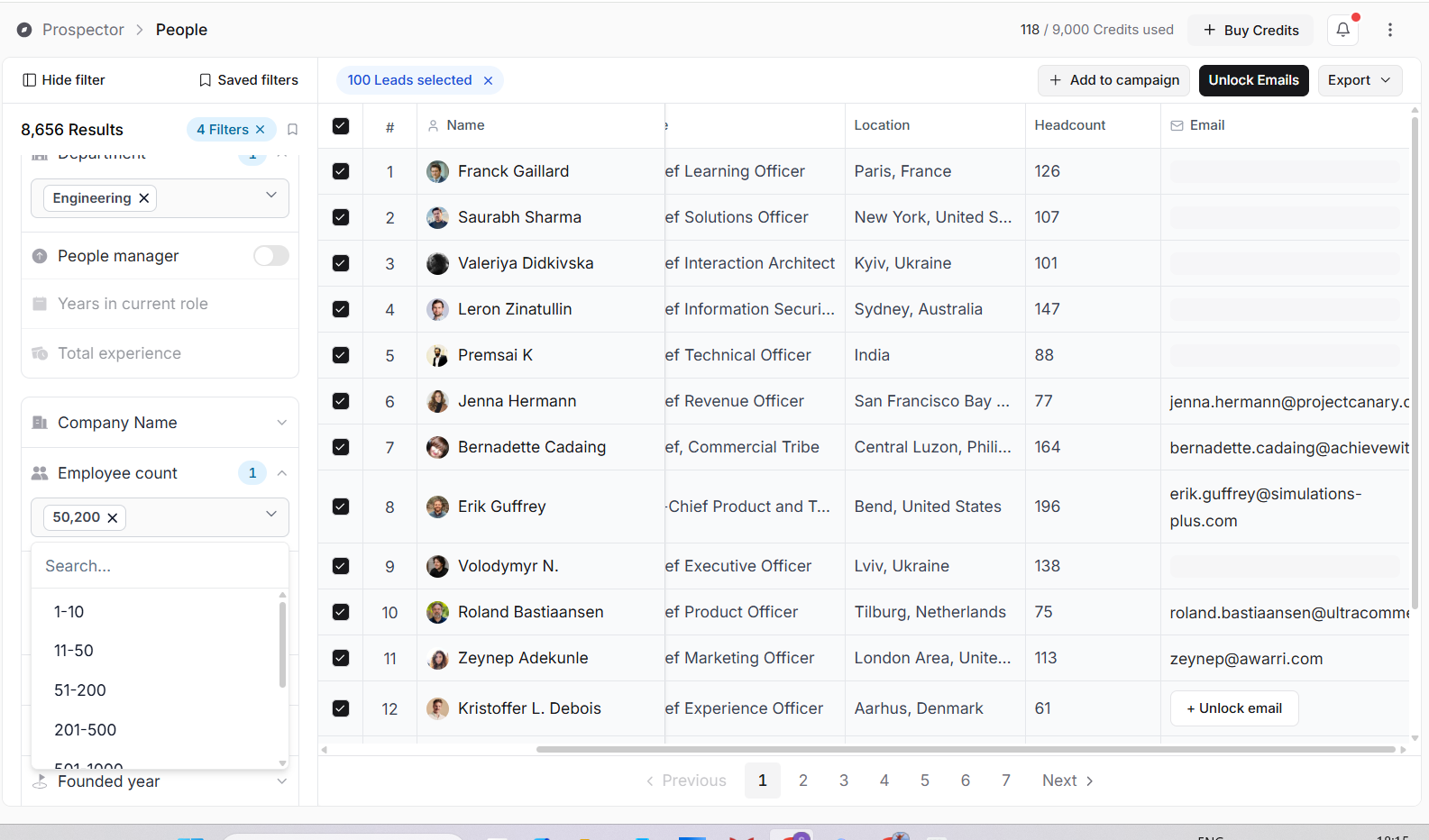
Filter by experience
You can also search based on a contact's professional experience.
Available filters include:
Years in Current Role
Total Experience
These filters help you identify prospects based on their tenure and overall professional background.
Refine by company
Further narrow your search using company-related attributes.
Available filters include:
Company Name
Employee Count
Industry
Revenue
Company Type
Founded Year
Technologies Used
Funding Stage
These filters are useful when targeting organizations of a specific size, industry, or stage of growth.
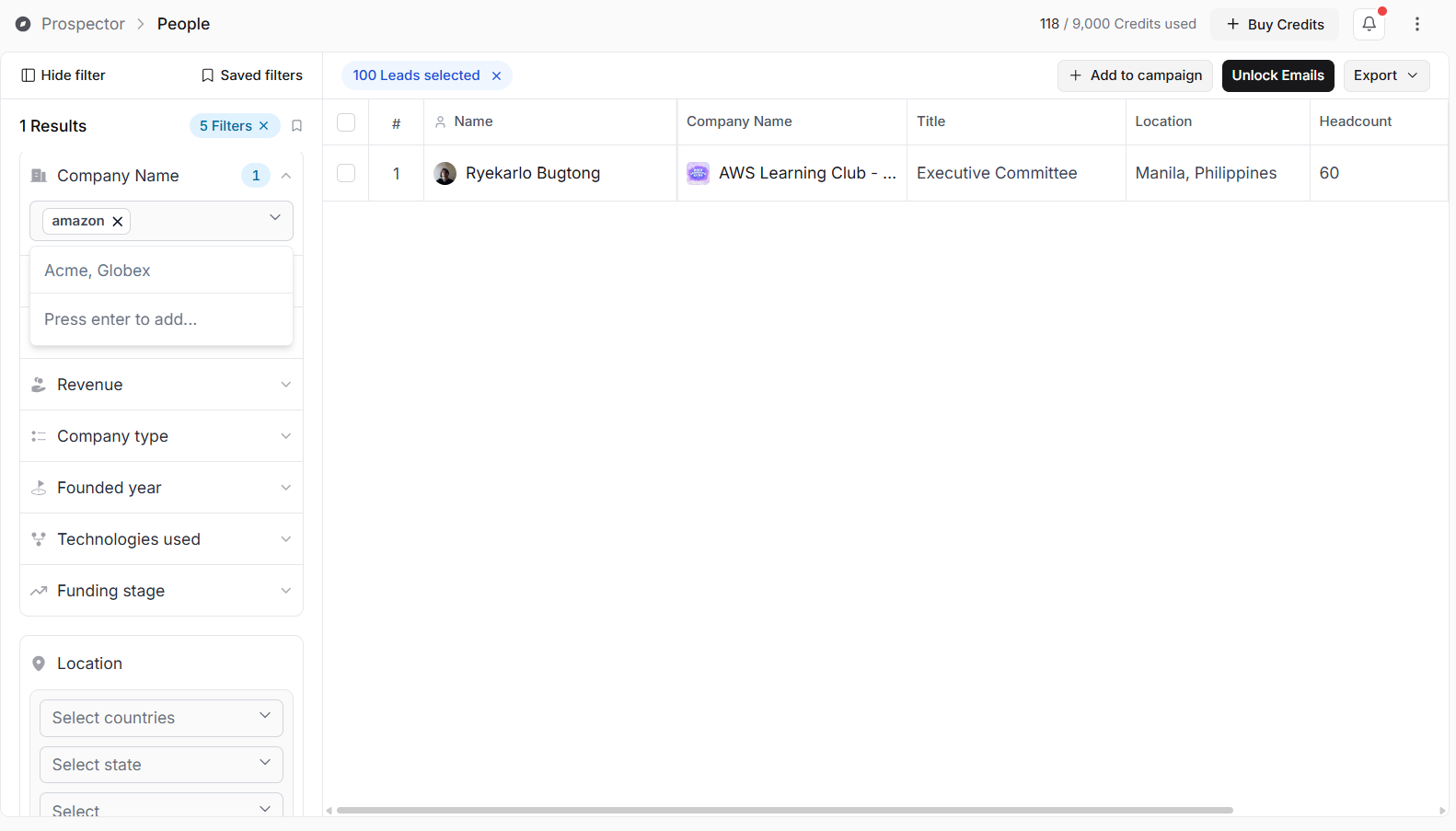
Narrow your search by location
Use the Location filter to focus your search on specific geographic regions.
You can search by:
Country
State or Region
City
Location filters are especially useful for territory-based prospecting or regional campaigns.
Find contacts with work email addresses
Enable the Has Work Email option to return only contacts with available work email addresses.
This helps reduce the number of contacts that require email unlocking before they can be used in your outreach.
Search using AI
Instead of manually selecting filters, you can describe your ideal prospect using natural language.
Enter a prompt in the AI search box and click Find Leads.
For example:
Find CTOs at SaaS companies with 50–200 employees in the United States.
Prospector analyzes your request and returns contacts that best match the description.
Note: AI Search works independently from the manual filters.Use either manual filters or AI Search to build your prospect list.
Example AI prompts
Use these examples as a starting point for your own searches.
Technology Leaders
Find CTOs at SaaS companies with 50–200 employees in the United States.Marketing Decision Makers
Find VP Marketing and Marketing Directors at B2B software companies in Europe.HR Professionals
Find HR Managers at manufacturing companies with more than 500 employees.Startup Founders
Find founders of AI startups founded within the last five years.Sales Leaders
Find Heads of Sales at fintech companies in the United Kingdom.Healthcare Executives
Find CIOs at hospitals and healthcare organizations in Canada.IT Managers
Find IT Managers at logistics companies with 200–1,000 employees.Review your results
After running your search, Prospector displays all matching contacts in a searchable results table.
The table includes key information such as:
Name
Company
Job Title
Location
Company Headcount
From here, you can continue refining your search, select prospects, unlock email addresses, export your results, or add contacts directly to a campaign
Best practices
Start with a small number of filters before adding more specific criteria.
Use role-based filters such as Job Title and Seniority Level to quickly narrow your audience.
Choose either manual filters or AI Search based on how you prefer to build your search.
Write specific AI prompts that clearly describe your ideal prospect.
Review your results before unlocking email addresses or adding leads to a campaign.
Save frequently used filters to make future searches faster.
💡 Prospecting Tip
"The fortune is in the follow-up."
— Jim Rohn
Finding the right people is only the first step. Focus on building a high-quality prospect list before launching your outreach, as better targeting often leads to better conversations and higher reply rates.