Getting help
Last updated: July 12, 2026
Whether you're getting started with Stamina or need assistance with an existing workflow, our team is here to help.
Your GTM strategist
Every Stamina workspace includes access to a dedicated GTM strategist who can help you get the most out of the platform.
Your GTM strategist can assist with:
Workspace onboarding
Email infrastructure setup
Deliverability best practices
Campaign strategy
Prospecting workflows
Personalization guidance
Troubleshooting product issues
If you're unsure how to accomplish something in Stamina, your GTM strategist is the best place to start.
In-app chat
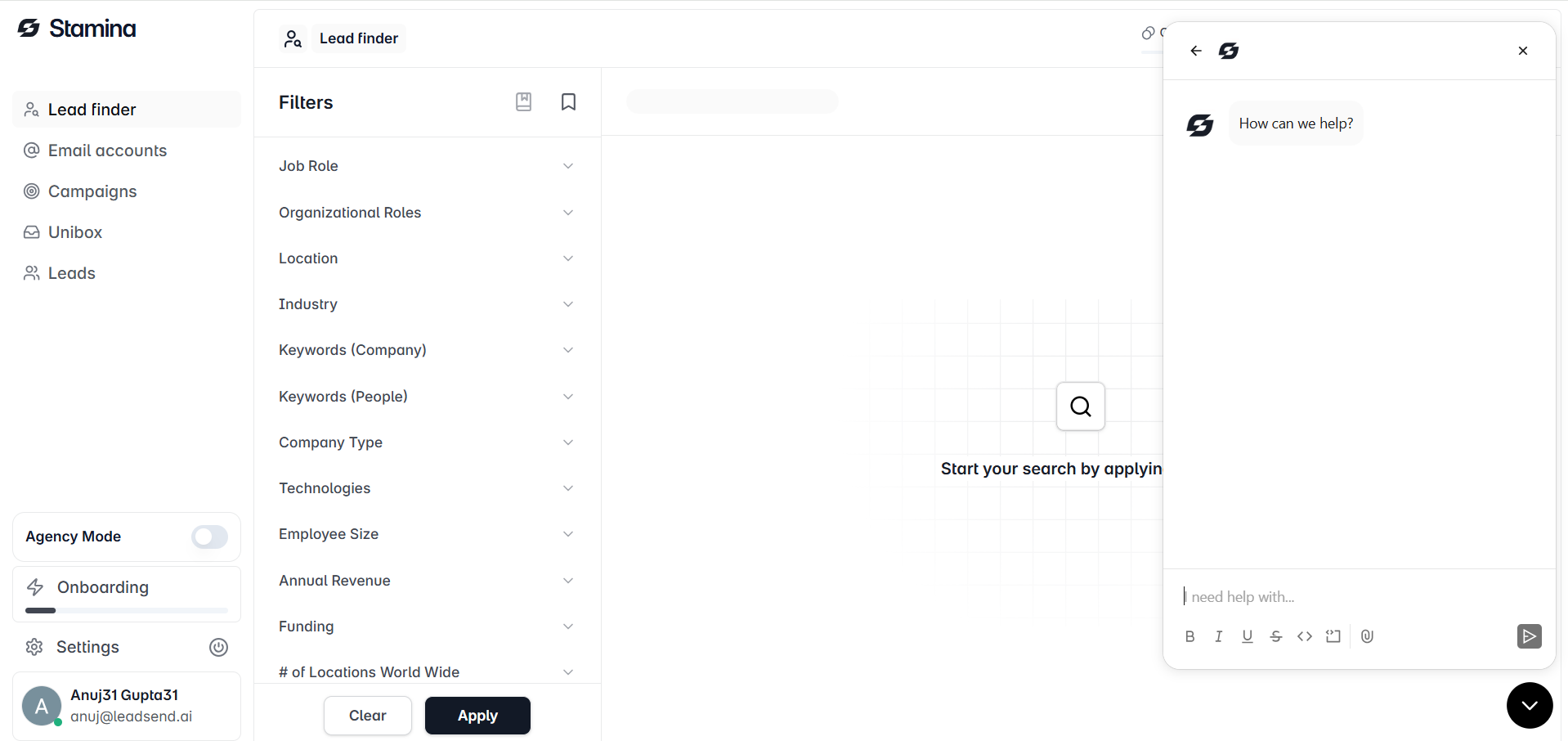
The quickest way to contact our team is through the in-app chat.
Click the chat icon in the bottom-right corner of any page to start a conversation with our support team.
You can use in-app chat to:
Ask product questions
Report technical issues
Request guidance on best practices
Get help with your workspace
Our team will respond as quickly as possible to help resolve your issue.
Slack support
If your workspace has a shared Slack channel with Stamina, you can communicate directly with your GTM strategist.
Slack is ideal for ongoing collaboration, campaign reviews, deliverability recommendations, and product questions.
Email support
You can also contact our support team by emailing:
When contacting support, try to include:
A clear description of the issue
The steps you followed before the issue occurred
Any error messages
Screenshots or screen recordings, if available
Providing this information helps us investigate and resolve your request more efficiently.
Browse the Knowledge Base
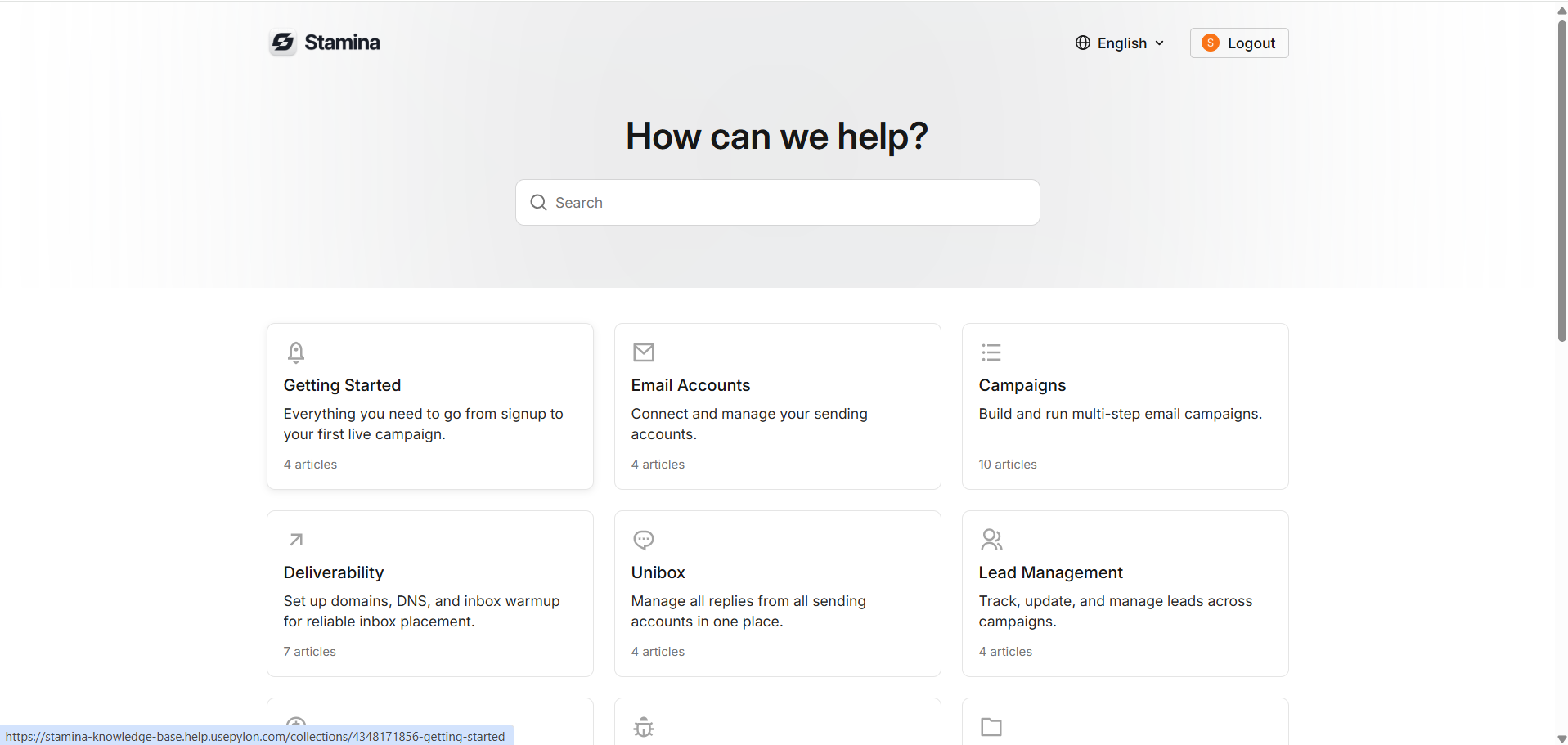
The Stamina Knowledge Base contains step-by-step guides covering every major feature, including:
Getting Started
Prospector
Personalization
Deliverability
Sequences
Inbox
Billing
Troubleshooting
Use the search bar to quickly find answers to common questions and learn best practices for using the platform.
Still need help?
If you can't find the answer in the Knowledge Base, reach out through in-app chat, Slack, or email. Our team is always happy to help you troubleshoot issues, answer questions, and make sure you're getting the most out of Stamina.