Managing invoices
Last updated: May 4, 2026
View and download invoices for all past payments from the Billing section in Settings.
How to access invoices
Go to Settings → Payment.
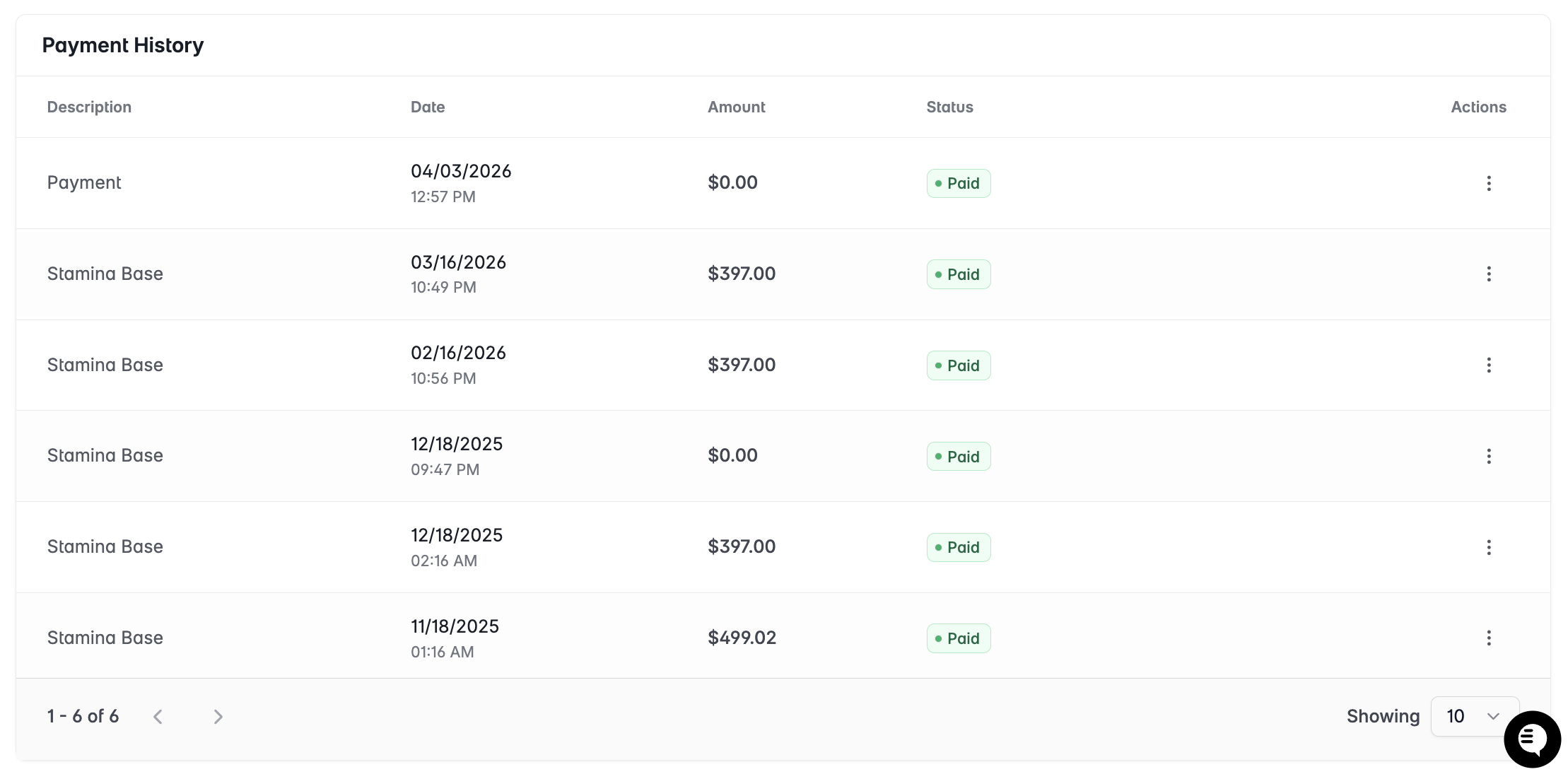
Scroll down to Payment History.
Find the invoice you need. Invoices are listed in reverse chronological order.
Click Download to save the invoice as a PDF.
What invoices include
Invoice number and date
Plan name and billing period
Itemized charges (subscription + any credit purchases)
Total amount charged
Payment method used (last 4 digits)
Missing or incorrect invoices
If an invoice is missing, incorrect, or you need a revised version for accounting purposes, contact support@stamina.io with your account email and the billing period in question.