Updating payment information
Last updated: May 4, 2026
Update your payment method from the Billing section in Settings. Changes take effect immediately and apply to your next billing cycle.
How to update your payment method
Go to Settings in the left sidebar.
Click Billing.
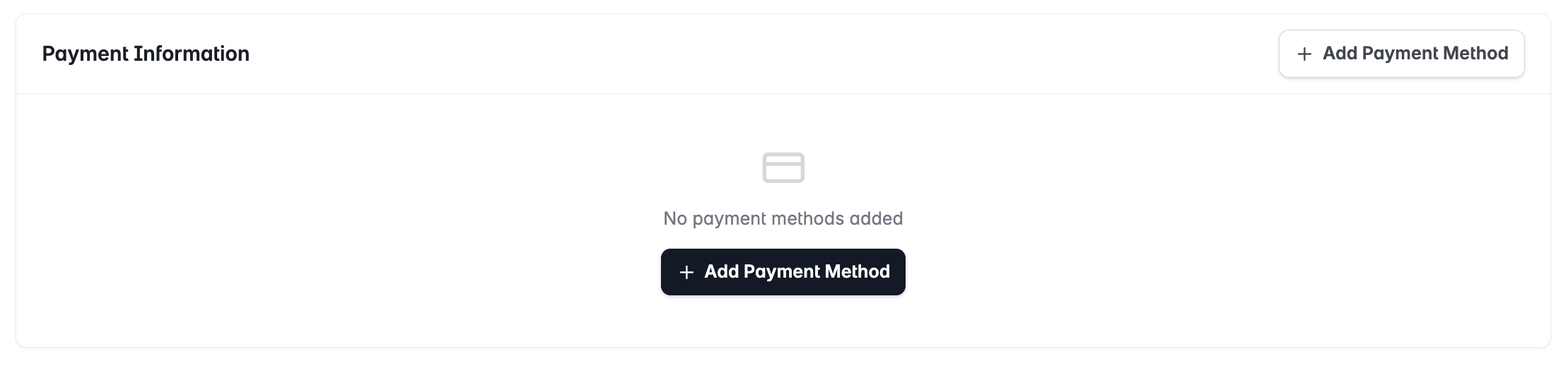
Under Payment Method, click Update payment method.
Enter your new card details — card number, expiry date, CVV, and billing address.
Click Save.
Accepted payment methods
Visa, Mastercard, American Express
Most major debit cards
Failed payments
If a payment fails, you'll receive an email notification. Update your payment method before the retry window closes to avoid service interruption. For persistent payment issues, contact support@stamina.io.