Tracking Lead Activity
Last updated: April 24, 2026
Stamina tracks engagement at both the campaign level and the individual lead level. Knowing how a specific lead has interacted with your emails — and when — helps you time your manual outreach and prioritize the right conversations.
Campaign-level activity
Go to your campaign and open the Analytics tab. You'll see:
Sent — Total emails sent across all steps
Opened — Unique leads who opened at least one email
Replied — Leads who sent a reply
Bounced — Emails that couldn't be delivered
Unsubscribed — Leads who opted out

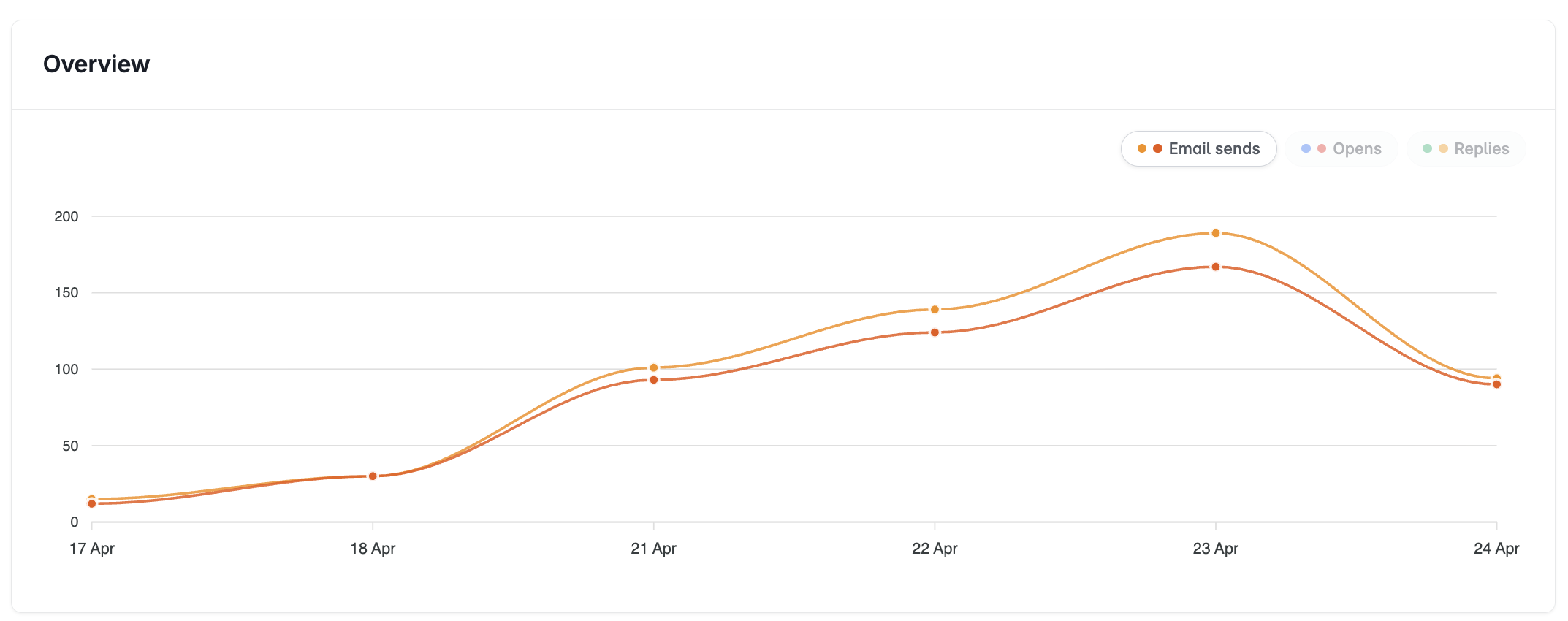
Per-step activity
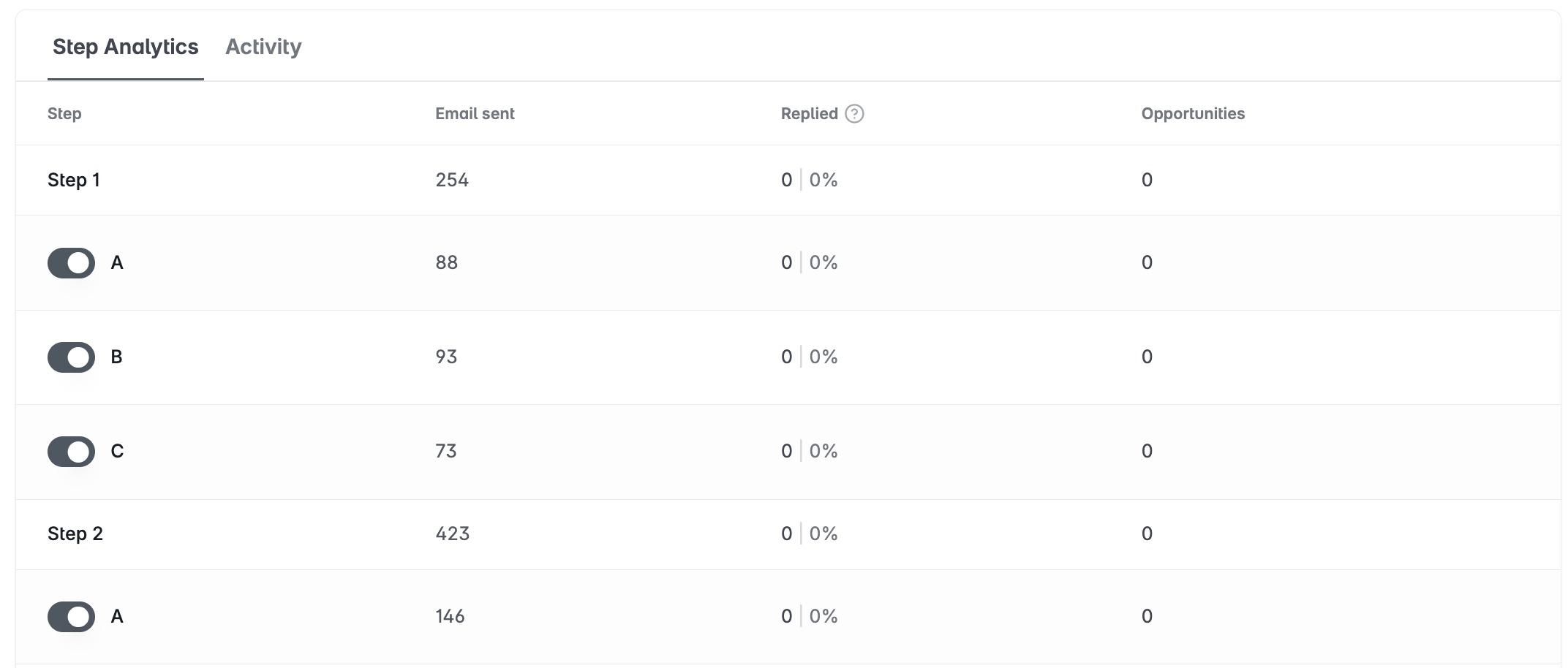
Expand the per-step breakdown in Analytics to see which steps in your sequence are performing — and which aren't.
Compare open rates across steps to identify subject line issues
Compare reply rates to find which step and copy combination drives the most responses
Use A/B variant data to inform which version to keep running
Individual lead activity
Go to the campaign's Lead List.
Click a lead to open their detail panel.
View their engagement history — which emails were sent, when they were opened, and whether they replied.
Open rate tracking can be unreliable — security gateways often pre-scan emails and trigger open pixels automatically. Use reply rate as your primary performance indicator. It's the only metric that can't be spoofed.