Reminders and follow-ups
Last updated: May 4, 2026
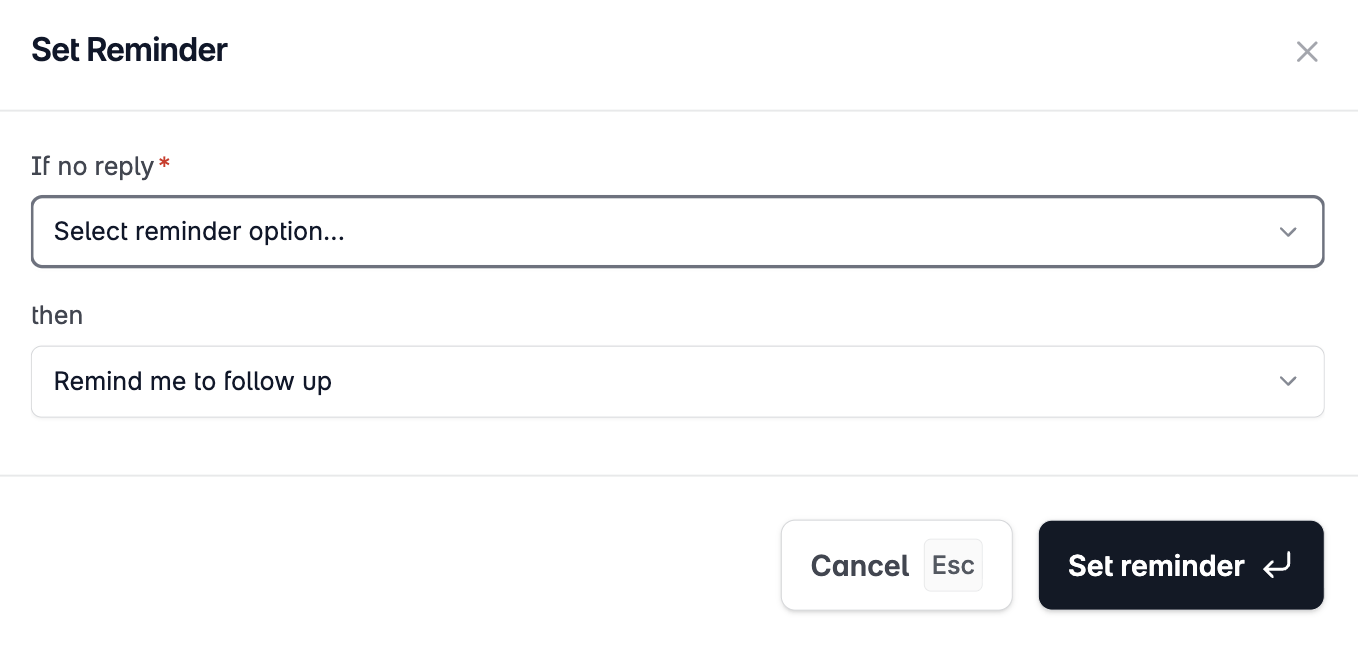
Reminders let you flag a conversation to resurface at a specific time. Use them when a lead says "reach out next week" or when you want to follow up if you don't hear back within a set timeframe.
Setting a reminder
Open a conversation in Unibox.
Click the bell icon or Set reminder button in the conversation header.
Select a date and time for the reminder to fire.
Optionally add a note to yourself about what to follow up on.
Click Save.
When reminders fire
At the set time, the conversation moves to the top of your Unibox and is marked with a reminder indicator. You'll also receive a notification in Stamina. The reminder stays active until you dismiss it or set a new one.
Viewing all reminders
In the Unibox left sidebar, click Reminders to see all conversations with upcoming reminders in chronological order.
Best practices
Set a reminder immediately when a lead says they need more time — don't rely on memory
Use the note field to capture context: "Said to follow up after their board meeting on the 15th"
For leads who haven't replied, set a 3–5 day reminder after your last sequence step to decide whether to try a manual follow-up