Fixing Undetected Replies
Last updated: July 12, 2026
If lead replies are not appearing in inbox, the issue is almost always related to how the sending account is connected, or how reply routing is configured.
Step 1 — Confirm the sending account is connected
Go to Email Accounts and verify that the account that sent the campaign email is connected to Stamina and showing an active (green) status. If the account is disconnected, replies may be received by the email provider but not routed to inbox.
Step 2 — Check for a reply-to address
Go to Email Accounts → click the sending account → Account Settings → check the Reply-To field.
If a reply-to address is configured, all lead replies are routed to that inbox — not the sending inbox. For replies to appear in inbox, the reply-to inbox must also be connected to Stamina as an email account.
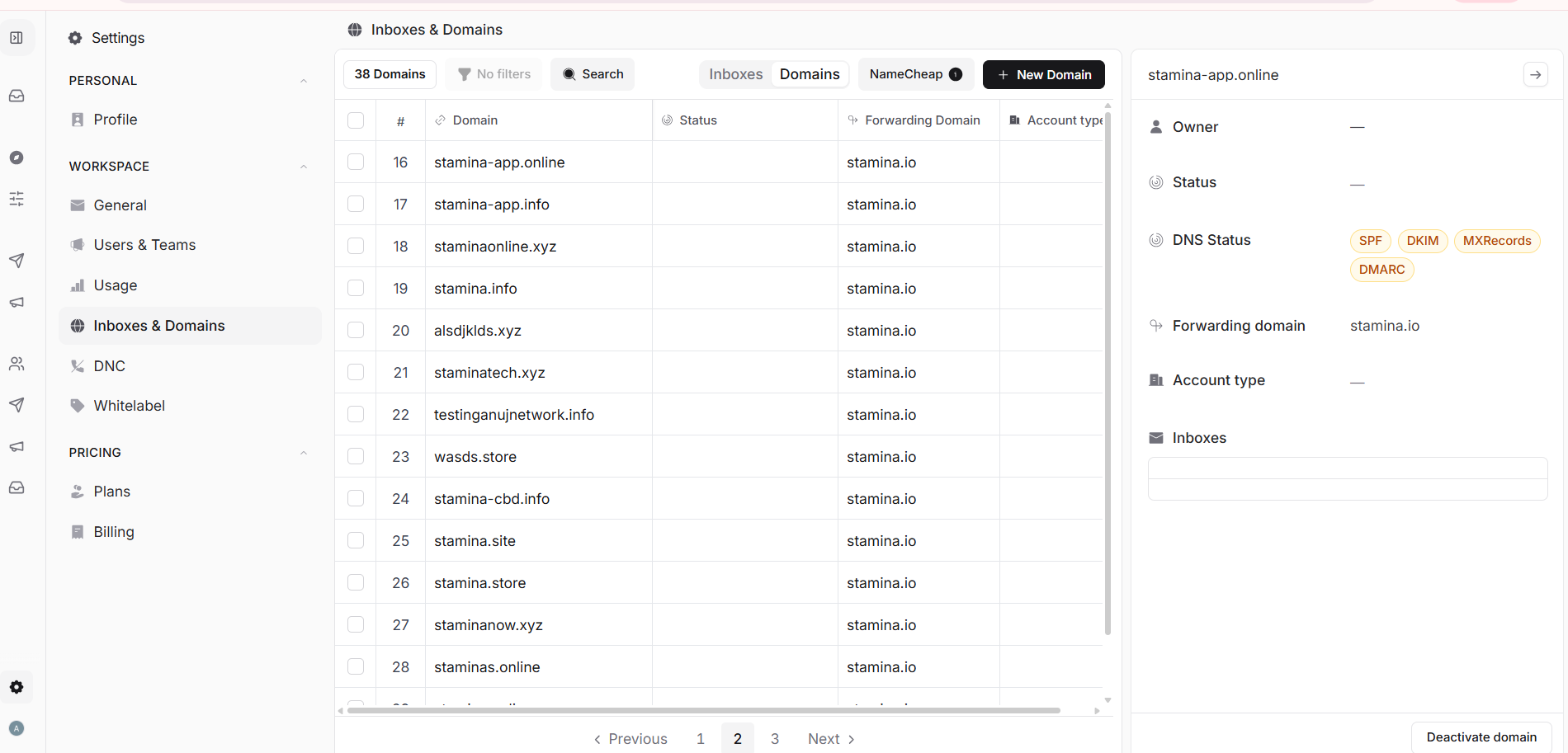
If your outreach domain has email forwarding configured to an external address, verify that forwarding rules haven't changed and that the destination inbox is connected to Stamina.
Step 3 — Verify the reply actually arrived
Log in directly to the sending email account (via Gmail or your email provider) and check if the reply is in the inbox there. If it's in the provider's inbox but not your inbox, the connection between that account and Stamina may need to be refreshed — try reconnecting the account.
If you've completed all steps and replies are still not appearing in inbox, contact support@stamina.io with the sending account email, the lead's email address, and the approximate timestamp of the reply.