Email Account Setup (Done-For-You)
Last updated: May 4, 2026
Stamina's Done-For-You (DFY) setup provisions everything you need to start sending outbound email — outreach domains, inboxes, DNS authentication, inbox warmup, and email forwarding — all without touching a single DNS record yourself.
What Stamina sets up
Outreach domains — Subdomains separate from your primary brand domain, used exclusively for cold outreach (e.g.
trystamina.io,getstamina.io)Inboxes — 3–4 inboxes per outreach domain, each with a unique sender name
DNS authentication — SPF, DKIM, and DMARC records configured on each domain
Inbox warmup — Automatic warmup starts immediately after provisioning
Email forwarding — Emails sent to outreach domains forward to your primary domain
What you need to provide
Primary domain — The domain forwarding should point to (e.g.
yourbrand.com)Outreach domain names — The subdomain names to register (e.g.
trystamina.io,getstamina.io)Sender names — 1–4 first/last name combinations for inbox creation (e.g. Alex Johnson, Jamie Lee)
Onboarding inbox — Where Stamina sends setup confirmation and login credentials
How to initiate DFY setup
Contact your GTM strategist via in-app chat or your shared Slack channel.
Provide the details listed above.
Stamina will confirm receipt and begin provisioning within one business day.
Timeline
Inboxes are provisioned and warmup begins within 24–72 hours of submission. DNS propagation typically completes within the same window, though it can take up to 48 hours in some cases.
After setup
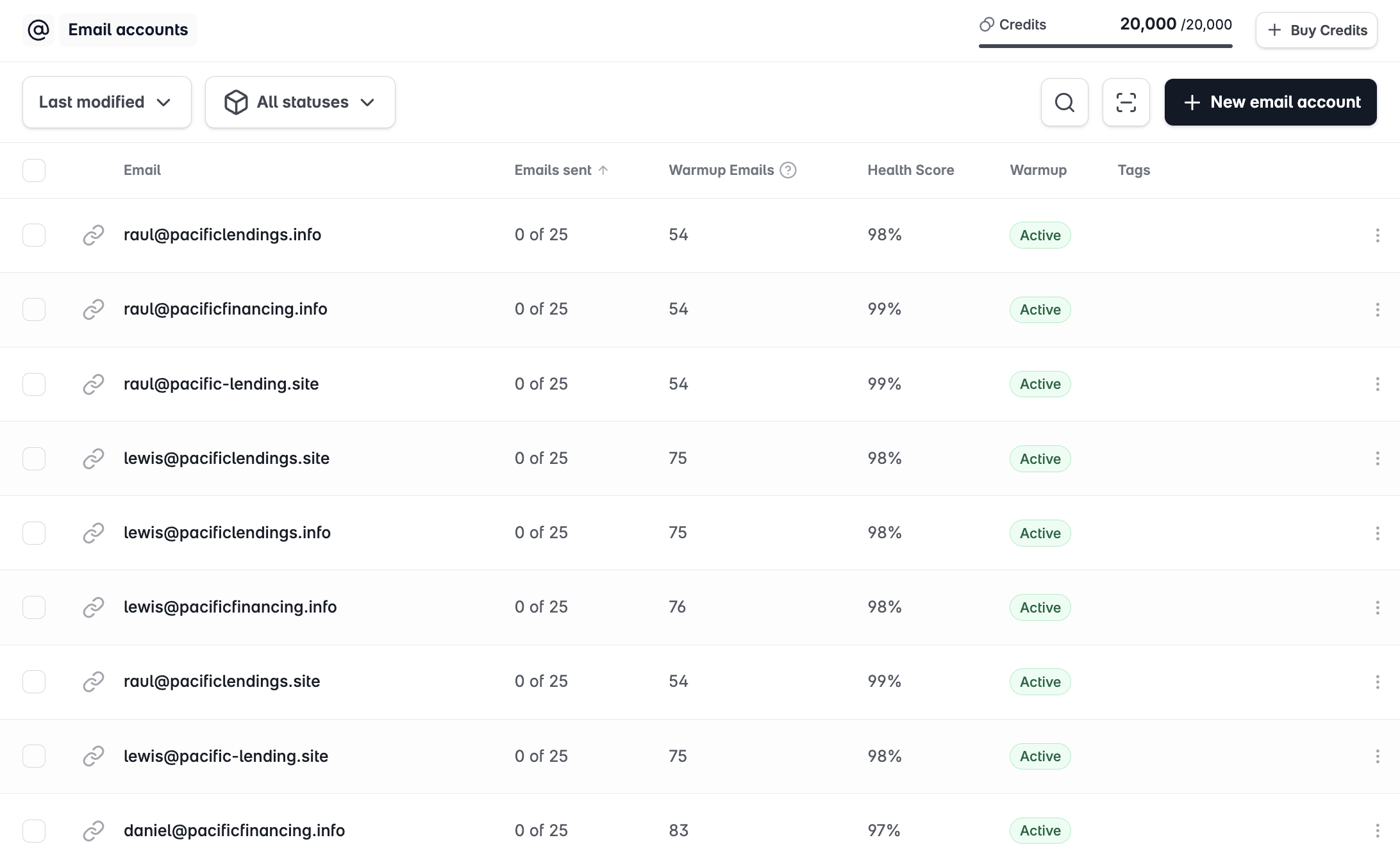
Once provisioned, your inboxes appear in Email Accounts. You can connect them to Stamina immediately and assign them to campaigns — warmup continues running in the background automatically.
Wait until inboxes have completed at least 2–4 weeks of warmup before running campaigns at full volume. Your GTM strategist will confirm when accounts are ready.