Campaign settings
Last updated: May 4, 2026
The Options tab controls how your campaign sends — which accounts it uses, how many emails go out per day, your sending schedule, and advanced options like signatures, unsubscribe links, and CC/BCC.
Sending accounts
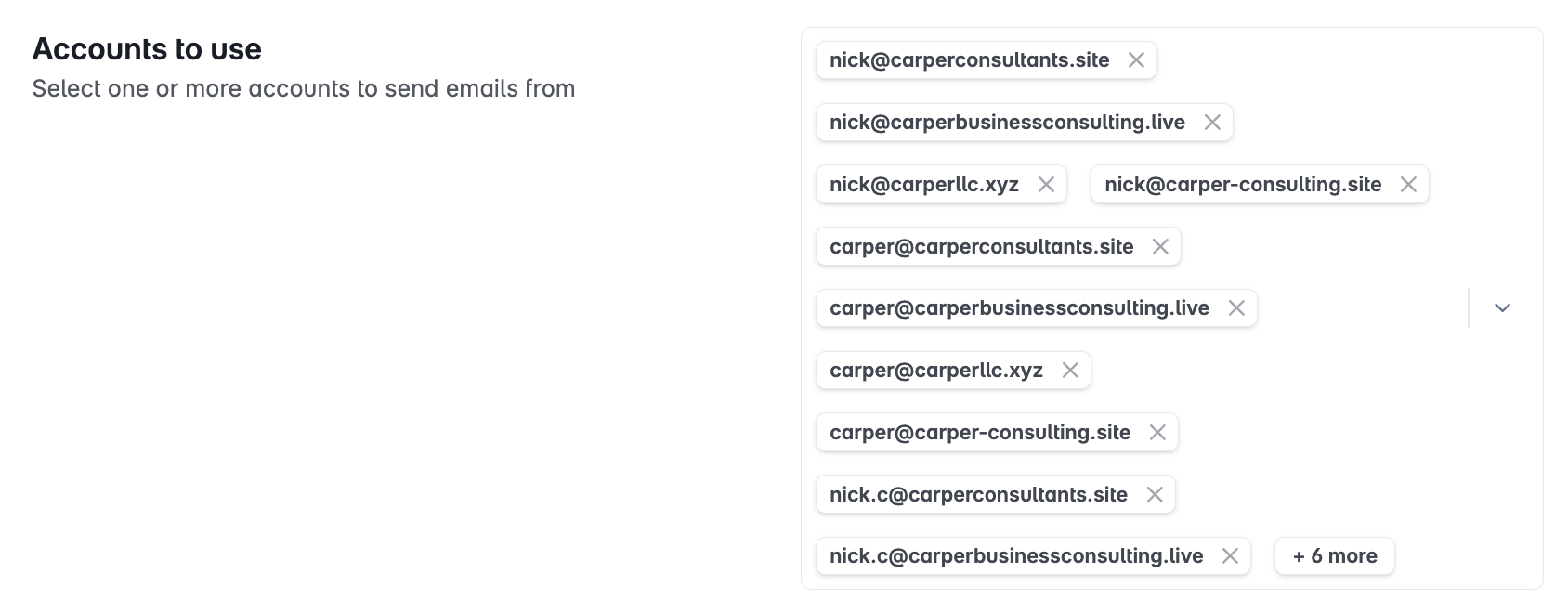
Select which email accounts or account tags this campaign will send from. Stamina rotates sends evenly across all selected accounts.
Select individual accounts by email address, or
Select a tag to include all accounts with that tag (recommended for easier management)
Daily sending limits
Per-account limit — Maximum emails sent per day from each individual account in this campaign.
Per-campaign limit — Total emails sent per day across all accounts combined. Leave blank for no campaign-level cap.

Sending schedule
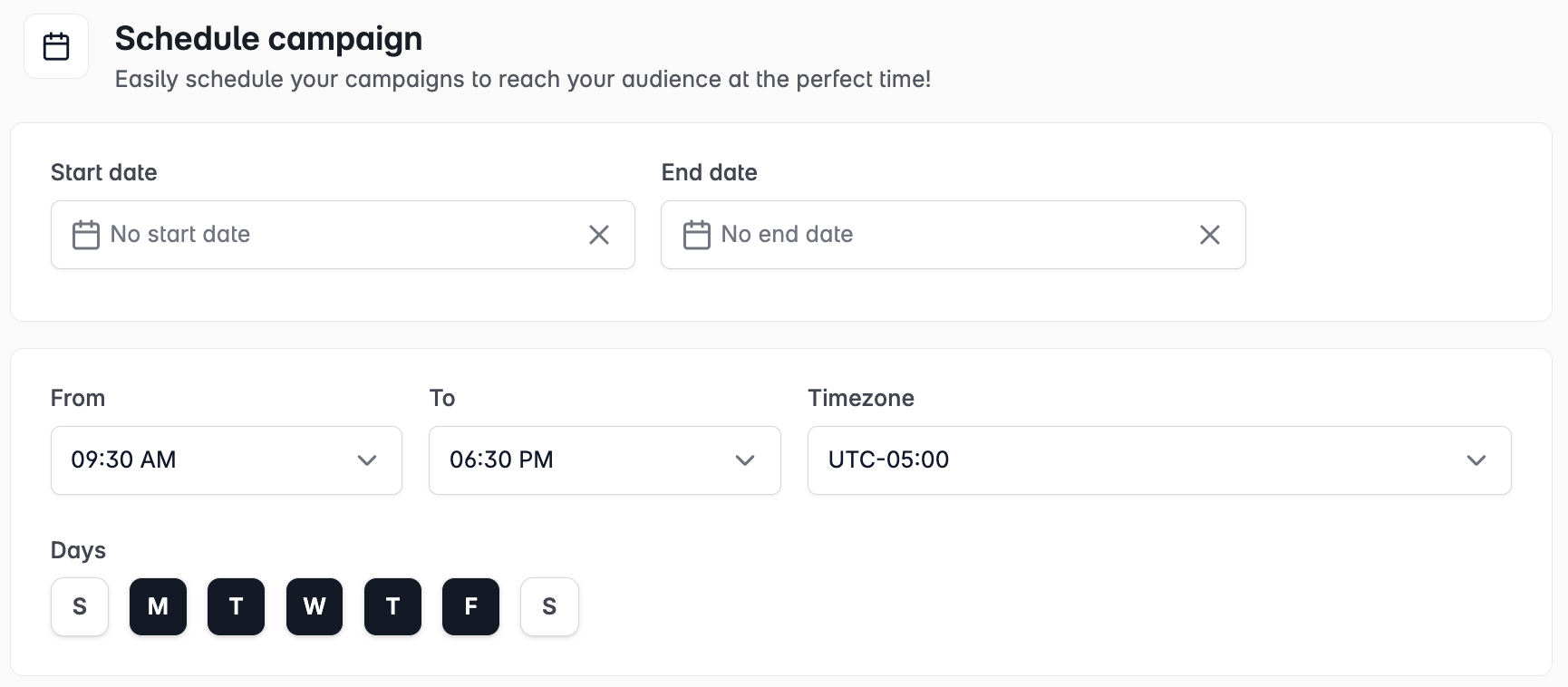
Set the days of the week and hours of the day during which emails are sent. Emails queue outside of the schedule and send on the next available window.
Start and end dates
Optionally set a start date to schedule the campaign launch in advance, or an end date to automatically stop sending after a specific date.
Unsubscribe link
Enable Insert unsubscribe link header to automatically add a one-click unsubscribe option to your email headers. This is recognized by Gmail and Outlook and is recommended to protect sender reputation.
Text-only emails
Enable Text-only mode to send plain-text emails with no HTML. This can improve deliverability for audiences where HTML-heavy emails are more likely to be filtered.
CC and BCC
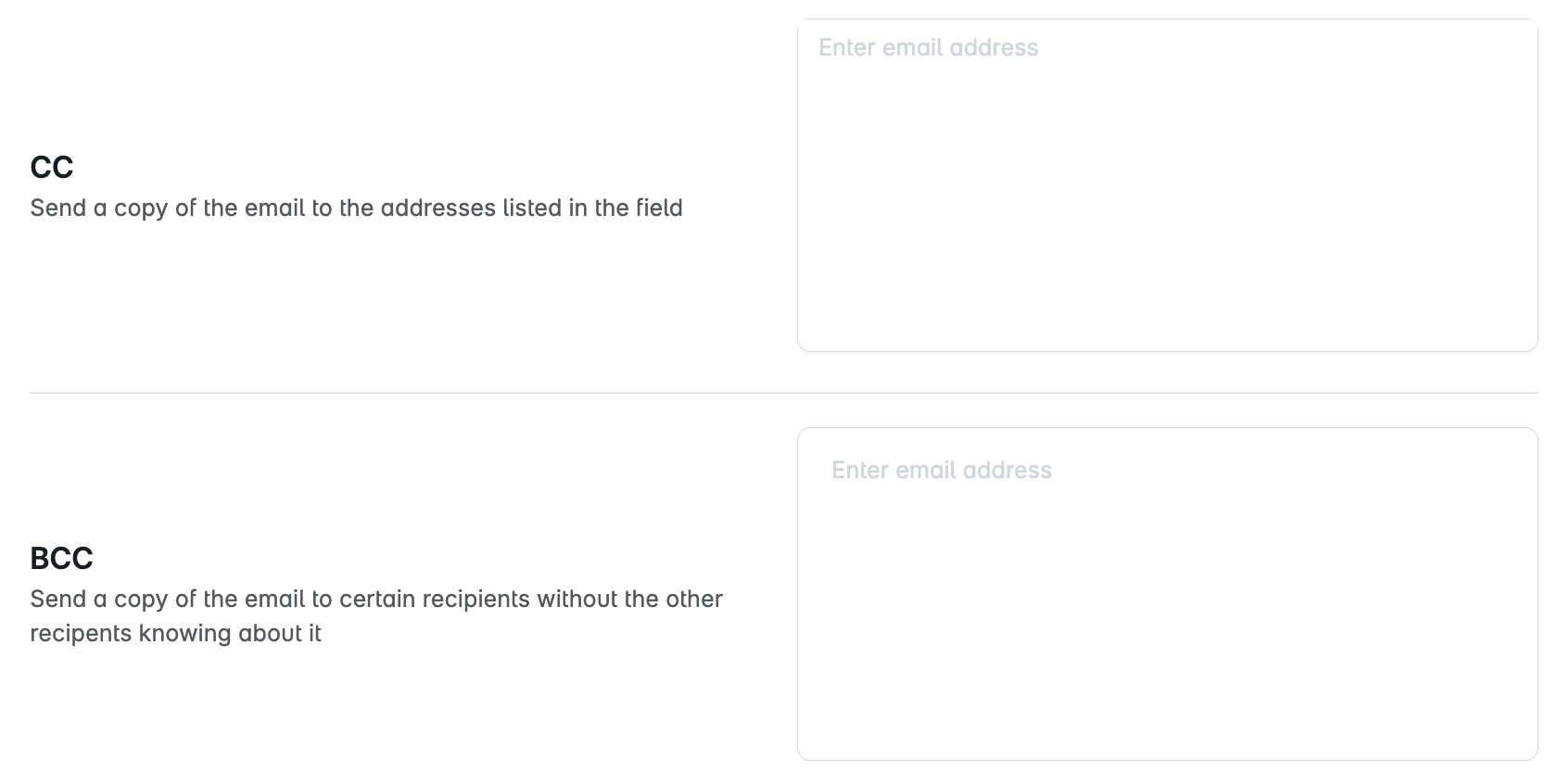
Under Advanced Options, add CC or BCC recipients to be included on all emails in this campaign. CC recipients are visible to the lead; BCC recipients are not.